Frequently Asked Questions
-
General
What is AAII's Video Education Suite?
AAII's Video Education Suite is a collection of professionally produced, full-featured interactive investment education classes delivered through a comprehensive learning management system (LMS).
If I have more questions or I am having trouble purchasing or accessing a Video Education Suite offering, who should I contact?
For all purchase, processing and accessibility questions or concerns please contact AAII Member Services at members@aaii.com.
Do I have to be an AAII member to register for and access a Video Education Suite offering?
AAII's mission as a nonprofit organization is to assist all individual investors. Although we encourage everyone to become an AAII member, the complimentary and fee-based Video Education Suite offerings are open for access to both AAII members and non-AAII members alike.
How do I register for a Video Education Suite offering?
To register for a complimentary or fee-based offering, add the offerings that you are interested in to the shopping cart and then proceed to checkout. Registrants are then required to enter some basic contact information (for the delivery credentials) and acknowledge that they have reviewed the Video Education Suite Agreement and Disclosure. If you have a promotion code, you can enter it at this time. Sales tax is included in the listed price. Your total will appear, and you can complete processing. AAII accepts all major credit cards.
After registering for a Video Education Suite offering, how and where do I access my class(es)?
To access your class or classes, please go to https://learn.aaii.com.
Provided that you are logging in with the same credentials, all of your offerings will appear in the Catalog area of your account. If your login information has recently changed (email address), please contact AAII Member Services at members@aaii.com. Classes and credits from multiple accounts cannot be combined.
For step-by-step instructions, please view the "How to Access and Navigate an AAII Class" video. The video is located in the Catalog area of your account.
Are all of the Video Education Suite offerings the same?
All of the Video Education Suite offerings are composed of classes. These can be either a single class, a package that contains two or more classes focused on a single investment theme or the AAII Essential Investing Principles and Strategies Course, which combines all of the available classes. Each offering's description page will provide the details on what is included in each class or the specific classes within a package offering.
What is included in a class?
Classes feature an expert's presentation on a specific investment topic in their respective field of expertise. Classes generally include a high-definition interactive video, associated tools, educational material downloads, supplemental learning materials, speaker biography and contact information, presentation slides, a key terms and definitions worksheet, a Words of Wisdom document, a survey, a discussion room and a test with credits for accrual, a class Certificate of Completion and a Segment Incentive Bonus (SIB) for those completing the class. Not all classes have all of these features, so please be sure to review each offering's description page before registering.
How long does it take to complete each class?
The amount of time needed to complete a class is dependent on several factors, including the user's current knowledge base and familiarity with the topic, how quickly they learn and how deeply they want to learn. As a general estimate, it may take approximately two to three hours to complete a one-hour video class. This includes viewing the video and repeating sections when necessary, reviewing all of the supplemental materials and taking the test. A user familiar with a topic who simply views the video once and passes the test on the first attempt could complete the class in one hour and 10 minutes.
What is the Essential Investing Principles and Strategies Course (EI Course) and will that allow me to gain access to all of the classes in the Video Education Suite?
The EI Course is AAII's most complete video education offering. It includes access to every class in the Video Education Suite. Additionally, the EI Course includes an exam to obtain official AAII Certification and a host of other benefits. For more information, please see the "AAII Essential Investing Course Highlights" document.
Why are the educational videos only accessible through AAII's learning management system (LMS)?
Utilization of an LMS to support videos for advanced learning is becoming the educational industry standard for corporations and academic institutions. This format offers participants a seamless, comprehensive environment for better learning. It also allows inclusion of professionally produced and interactive elements such as multitrack camera and multitrack HD video, stereo sound, embedded quizzes, a quick jump table of contents, word searchability, interactive hyperlinks, closed captioning and a host of advanced viewing controls.
How do I know if a class is right for me?
A detailed description page is available for each offering. Included on this page are a synopsis of the class, the topic, the recommended investment level, the appropriate investor target, pre-class educational suggestions, continuing education class recommendations, class tools, associated AAII products, the class duration, number of credits and a list of all the components and benefits within the offering. Additionally, a short video excerpt is included to ensure technical compatibility and satisfaction.
Do you offer any discounts or promotions and, if so, how do I apply them?
The most economical way to gain access to the classes is by purchasing the EI Course, which contains access to all of the classes. Also, packages are offered, which contain several classes on a specific topic at a discounted price compared to purchasing each class individually.
At specific times of the year and at live events, AAII may extend promotional offers for a Video Education Suite offering. If you have a promotion code, it is entered at the time of checkout to apply the discount. Promotion codes have expiration dates, so please be sure to utilize any promotion prior to expiration.
After I sign up for a Video Education Suite offering, how long do I have to complete it?
Each participant will have one year to complete a class, package or the EI Course. This one-year access period applies to all elements of the Video Education Suite except the EI WorkStation. Complimentary access to the EI WorkStation is limited to 120 days from the day that a participant first accesses the EI WorkStation. The 120-day access to the EI WorkStation can begin any time during an offering's access period. In some instances, a single 60-day extension may be given to complete an offering. To request an extension of time please contact AAII Member Services at members@aaii.com.
Do I have to complete a class or view an educational video in a single sitting?
All Video Education Suite offerings can be accessed seven days a week, 24 hours a day. You may begin or retake a class or a portion of a class as many times as you would like, as long as you complete it before your class expiration date. The videos have been designed to remember where you left off, so that you can resume the video at a later time. To leave a video in progress, simply toggle out of the full-screen view of the video and select the "Complete Video Later" button on the top right of the video.
Can I print or download the supplemental educational materials—such as slides, definition pages, calculators, spreadsheets and related education articles—for future reference?
Yes, all of the educational resources can be downloaded and stored indefinitely by each participant. This includes the Certificate of Completion and the Words of Wisdom documents. Additionally, any Segment Incentive Bonus (SIB) can be used after the class expiration, provided that the bonus is still being offered by the original class presenter.
Can I get a refund on the EI Course?
Yes, purchasers of the entire EI Course are entitled to a 100% refund for 60 days from the original purchase date OR until the acceptance and continuation of the end of the complementary/trial portion of the course, whichever occurs first. For complete details, please see the Video Education Suite Agreement and Disclosure.
Can I get a refund on an individual class or package of classes?
No refund is available for individual classes and packages. Class and package descriptions include comprehensive information on the instructor, topic, video, tools and learning materials in addition to a video clip. Individuals considering the purchase of a class or package are encouraged to review these materials carefully prior to registration.
Who can access a purchased Video Education Suite offering, and can it be viewed on more than one device?
Only the person who has registered for a class has permission to access it. A registrant may view a class from a maximum of two devices. The sharing of credentials or the reproduction of any elements contained within a class (including on webinars or at AAII Local Chapter meetings) is strictly prohibited. Any individual or group violating these terms will have their access suspended immediately, forfeiting all rights and refunds to this and any other AAII products and memberships.
Can I download the class onto my computer, or do I need a live internet connection to take a class?
The Video Education Suite is housed in an online learning management system (LSM), so you will need an internet connection to access any offering.
Are there any system requirements?
Most users with a modern computer, an active internet connection and an updated browser (with Flash enabled) should be able to access any Video Education Suite offering on either a Windows-based PC or a Mac (Apple). Videos should be viewable on most tablets, although in rare cases an app, download or other adjustment may be needed. Videos may also run on a smartphone, but this is not recommended because screen size limitations may make the visual aspects illegible.
-
Troubleshooting
I cannot get my video to play, or I am having trouble finding or using the video controls.
The first thing to do is review the "Interactive Smart Player Video Controller" document. This document has a troubleshooting section that resolves 90% of cases. Another option is to review the "Interactive Smart Player Video Controller" video, which also has a lot of helpful information.
If you are still having trouble viewing your video after reviewing these resources, please switch to the Chrome browser as not all browsers are supported, including Internet Explorer. If an ad blocker is still blocking the video and not giving you an option to proceed, then you may have to adjust your settings to run the videos.
Additionally, please note that with all types of online interactive content, your device's advanced security features may block or interfere with the video and its features. To resolve this problem please run the video from an alternate device.
When I start a video, I see a pop-up blocker message. What should I do?
This is normal behavior with most web browsers, as it is alerting a user that the video has interactive content. To access the video, please click the "launch course" or another similar message. AAII does NOT encourage or recommend users to reduce the protection level or disable pop-up blocker messages. The message is there for your protection, and it can be easily circumvented for these classes by choosing to continue.
Please see the "How to Access and Navigate an AAII Class" video. The video is located in the Catalog area of your account.
I am hearing-impaired, or I need to watch a video without sound.
All of the videos have closed captioning that can easily be turned on from the Interactive Smart Player control bar at the bottom of the window.
How do I access and control the advanced playback features of the video?
All of the Video Education Suite offerings are created in a Sharable Content Object Reference Model (SCORM) format, which is the industry standard for delivering education content. With this format, AAII has been able to include advanced playback functionality, embedded quizzes, chapter table of contents, word searchability, minimum viewing requirements, interactive hyperlinks and closed captioning.
Most users will likely use the standard controls, as within any online video. For those who would like to utilize some of the additional functionality, please review the "Interactive Smart Player Video Controller" document or video in the Catalog area of your account.
-
Procedures & Requirements
I just registered for a class and see several components. How should I proceed?
Completing a class is a very simple and intuitive process. Each class has been designed to be completed by going across each tab from left to right. Complete the components within each tab from top to bottom before proceeding to the next tab.
If this is your first class, please view the short "How to Access and Navigate an AAII Class" video. The video is located in the Catalog area of your account.
Do I have to do all of the portions of a class? I just want to complete the class as quickly as possible to attain completion or certification.
Many of the tabs and components in a class are there to provide additional information. These areas are optional, and they are not required for completion. For those who would like to complete each class as quickly as possible, the only tab that is necessary is the "Primary Program" tab. Within that tab, the only components that must be completed are the viewing of the video and the passing of the test.
What happens if I do not pass the test for a class?
Classes are designed to educate investors and ensure that they have learned the basic concepts of each class. Tests are not designed to trick or fail a large number of investors trying to learn. Because of this, unlimited attempts to pass a test are allowed so that you can achieve class completion and accrual of the credits.
If for some reason you fail to pass a test on the first try, you can simply take the test over or repeat the video and try again. If there is one specific area of a class that you are having trouble with, you can use the Interactive Smart Player Video Controller Table of Contents to jump to a specific chapter to review. You can also do a keyword search to jump to all the areas in the video.
Note that to obtain official AAII EI Course Certification, you must pass the exam and are only given two attempts to pass. If another attempt is needed, an EI Course participant can request an additional attempt by contacting AAII Member Services at members@aaii.com.
What is required to complete a class, accrue the credits, attain the Certificate of Completion and gain any class benefits?
Most classes require meeting a minimum video viewing time (usually greater than 90%), along with passing (usually by greater than 70%) the class test. Unless otherwise noted, there are no limits to the number of times a video can be viewed or a class test can be attempted to attain a passing grade.
How do I know when I have met the minimum required viewing percentage for a video?
The video status button (N) wording will change to "Complete video" when you have viewed the minimum percentage of the video. At this point, you may click this status button and return to the primary course console where the remaining segments of the class will be unlocked (test, Words of Wisdom, next educational segment, etc.).
Why are the class test and some of the other class benefits grayed out and inaccessible?
Classes have been designed to maximize learning. Therefore, certain segments of a class must be addressed and completed sequentially before other segments will be unlocked. For instance, the video must be viewed (90% minimum requirement) before a participant can access the test. The test then must be passed to accrue the credits and unlock the Certificate of Completion and any class completion benefits.
For more information, please view the "How to Access and Navigate an AAII Class" video. The video is located in the Catalog area of your account.
What is a Segment Incentive Bonus (SIB)?
Upon completion of some of the classes in the Video Education Suite, participants are given the option to view and consider a special Segment Incentive Bonus from the instructor. Offers may include a free book, subscription or other discounted or complimentary service related to the class.
What is Words of Wisdom?
Upon completion of most of the classes in the Video Education Suite, participants are given the option to view and download a Words of Wisdom document containing each speaker's single best piece of investment advice.
Who do I contact if I have a question about the content of a class, or I want to get more information about an instructor and their products?
Most classes include the contact information provided by the specific instructor. Guest instructors may or may not respond to your inquiry and AAII has no relationship or responsibilities in these matters. AAII instructors will do their best to respond to your request in a timely manner.
What is required to complete the EI Course and attain official AAII Course Certification and all of its associated benefits?
To complete the entire EI Course, participants must complete a number of mandatory classes and then select and complete enough elective classes to accumulate the required number of credits to be eligible for certification. Following the accrual of the required number of credits, EI Course participants must also pass a final exam. Complete details for EI Certification, testing and related benefits can be found in the Video Education Suite Agreement and Disclosure, the "EI Course Credit Specifications" document and the "EI Course Certification Process" document.
What are some of the benefits of acquiring AAII EI Course Certification?
Participants who acquire EI Course Certification will receive numerous AAII benefits, including complimentary product trials and discounted subscriptions to AAII premium products and AAII membership, VIP status and benefits at an AAII Investor Conference and a Course Certification Certificate. A complete list of the currently available benefits can be found in the "EI Course Certification Benefits" and "EI Course Highlights" documents.
What is AAII's Video Education
Suite?
AAII's Video Education Suite (VES) is a collection of
professionally
produced, full-featured interactive investment education classes delivered through
a comprehensive learning management system (LMS).
Are all the VES offerings the
same?
All the VES offerings are composed of VES Classes. These can
be a single VES Class, a VES Package containing two or more VES Classes focused
on a single investment theme, or the AAII Essential Investing (EI) Course,
which has all the available VES Classes. Each VES offering's description pa
ge provides
the details on what is included in each VES Class or the specific VES Classes within
a VES Package. To see a list of AAII Video Education Suite offerings and the components
and features of each VES Class, please go to www.aaii.com/ves.
If I have more questions or
am having trouble purchasing or accessing a VES offering, who should I contact?
For all purchase, processing, and accessibility questions and
concerns, please contact AAII Member Services at members@aaii.com.
Do I have to be an AAII member
to register for and access a VES offering?
AAII's mission as a nonprofit corporation is to assist
all individual
investors. Although we encourage everyone to become an AAII member, the complimentary
and fee-based VES offerings are open to both AAII members and non-AAII members alike.
How do I register for a VES
offering?
To register for a complimentary or fee-based offering, go to
www.aaii.com/ves. Add the VES offerings that
you want to purchase to the shopping cart and then proceed to checkout. You are
then required to enter some basic contact information (for the class delivery) and
acknowledge that you have reviewed the Video Education Suite Agreement and Disclosure
document. From there, you will be taken to the checkout area.
How do I pay for a VES offering,
and are there any other fees?
AAII accepts all major credit cards for VES offerings. If you
have a promotion code, you can enter it in the checkout area. Sales tax is included
in the listed price. When your total appears, you can complete processing. If you
encounter any problems or have specific processing questions, please contact AAII
Member Services at: members@aaii.com.
After registering, how and
where do I access my VES Class(es), VES Package or the EI Course?
To access your VES Class(es), VES Package or the EI Course, please
go to www.aaii.com/learn.
For step-by-step instructions on how to access and begin a VES
Class, please view the "VES Class Getting Started" document or, preferably
watch
the "How to Access and Complete a VES Class" video at:
www.aaii.com/learn
Provided that you are using only one login, all of your VES offerings
will appear in the Dashboard area of your account. The Dashboard area is located
in the menu on the right side of the AAII Learn home page. If your login information
has recently changed (email address), please contact AAII Member Services at members@aaii.com. VES Classes and credits
from multiple accounts cannot be combined.
What is included in a VES Class?
Each VES Class features an instructor's presentation o
n a specific
investment topic in their respective field of expertise. VES Classes generally include
a high-definition interactive video, associated tools, educational material downloads,
supplemental learning materials, speaker biography and contact information, presentation
slides, a key terms and definitions worksheet, a Words of Wisdom document, a survey,
a discussion forum, a test with credits for accrual, a class Certificate of Completion
and a Segment Incentive Bonus (SIB) after completion. Not all VES Classes have all
these features, so please review each VES Classes description page before registering.
How long does it take to complete
a VES Class?
The amount of time needed to complete a VES Class depends on
several factors, including the user's current knowledge base and familiarit
y with
the topic, how quickly they learn and how deeply they want to learn. As a general
estimate, it may take approximately two to four hours to complete a one-hour VES
Class. This time estimate includes viewing the presentation video and repeating
sections when necessary, reviewing all the supplemental materials and taking the
test. A user familiar with a topic who simply views the presentation video once
and passes the test on their first attempt could theoretically complete a VES Class
with a one-hour presentation video in one hour and 10 minutes.
What is the Essential Investing
(EI) Course and will the Course allow me to gain access to all of the VES Classes
in the Video Education Suite?
The EI Course is AAII's most complete VES offering. Th
e EI
Course has two versions. The EI FlexiLearn Course is for individuals who would
like to access the EI Course classes in any order, at any time, and who are not
interested in the free trial, exam, certification or course benefits. The
second version is the EI Structured Course, which is the recommended format.
This version contains sequential mandatory classes, an exam, "AAII EI Cours
Certification, a certificate, and access to all the EI Course listed benefits.
Both versions are automatically placed in a participant's dashboard at the
time
of purchase of the EI Course, and both versions can be accessed at any time.
The EI Course versions include all the components of each VES Class. For more
information on the EI FlexiLearn and EI Structured Courses, please visit the
primary EI Course webpage at: www.aaii.com/eicourse
What are Active Investing (AI)
Tools and how do they relate to a VES Class or the EI Course?
AI Tools are investment-related tools that AAII developed to
assist investors with both the educational aspects of investing and real-world investing
tasks. AI Tools cover numerous aspects of investing, including investment analysis,
scanning, charting, strategy signals, risk management, execution types and timing,
overall market analysis and much more. For more information, please see the "A
WorkStation Overview" document and the details on each individual AI Tool a
t: www.aaii.com/aitools.
Are the AI Tools referenced
in a VES Class description required to take the class?
Some of the AAII instructor-led VES Classes will reference an
AI Tool or other AAII offerings, but their inclusion is only to illustrate or support
the educational aspects of the specific class. Participants do not need access
to the AI Tools for the vast majority of VES Classes. All VES Classes that require
an AI Tool to complete the class are clearly marked, and all of these are listed
as and provided free of charge.
Why are the presentation videos
only accessible through AAII's learning management system (LMS)?
Utilization of an LMS to support videos for advanced learning
is the educational industry standard for corporations and academic institutions.
This format offers participants a seamless, comprehensive environment for better
learning. This format also supports professionally produced and interactive elements
such as multitrack camera and multitrack HD video, stereo sound, embedded quizzes,
a quick jump table of contents, word searchability, interactive hyperlinks, closed
captioning and a host of advanced viewing controls. For more information on the
advanced playback features, see the "Understanding the Interactive Video Co
ntroller
document and video at www.aaii.com/learn.
How do I know if a VES Class(es),
VES Package or the EI Course is right for me?
A detailed description page is available for each VES offering.
Included on this page is a synopsis of the VES Class, the topic, the recommended
investment level, the appropriate investor target, pre-class educational suggestions,
continuing education class recommendations, class tools, associated AAII products,
the class duration, number of credits and a list of all the components and benefits
within the offering. Additionally, a short video excerpt is included to ensure technical
compatibility and satisfaction.
Do you offer any discounts
or promotions and, if so, how do I apply for them?
The most economical way to gain access to all the VES Classes
is by purchasing the EI Course. VES Packages are also offered, which contain several
VES Classes on a specific topic at a discounted price compared to buying each VES
Class individually.
At specific times of the year and at live events, AAII may extend
promotional offers for a VES offering. If you obtain a promotion code, enter it
during checkout to apply the discount. It is important to note that all VES promotion
codes have expiration dates, so please be sure to utilize any promotions prior to
expiration.
After I sign up for a Video
Education Suite offering, how long do I have to complete it?
Each participant will have one year to complete a VES Class,
VES Package or the EI Course. This one-year access period applies to all the components
and elements of the Video Education Suite except the AI Tools and the AI WorkStation.
Access to the basic AI Tools is granted indefinitely, with many of those AI
Tools being available on multiple platforms. Complimentary access to the AI WorkStation
is limited to 120 days from the day a participant first accesses the AI WorkStation.
The 120-day access to the AI WorkStation can begin anytime during a VES offering'
access period.
In some instances, a single 60-day extension may be given to
complete a VES offering. To request an extension of time, please contact AAII Member
Services at: members@aaii.com.
Do I have to complete a VES
Class or view a presentation video in a single sitting?
All VES offerings can be accessed seven days a week, 24 hours
a day. You may begin or retake a VES Class or a portion of a VES Class as often
as you would like, as long as you complete it before your VES offering expiration
date. The presentation videos have been designed to remember where you left off,
so that you can resume the video at a later time. To leave a presentation video
in progress, simply toggle out of the full-screen view of the video and select the
"Complete Video Later" button on the top right of the video. For more info
mation,
see the "Understanding the Interactive Video Controller" document or video
at: www.aaii.com/learn.
Can I print or download the
supplemental educational materials—such as slides, definition pages, calculators,
spreadsheets and related articles—for future reference?
Yes, each participant can download and store all educational
resources indefinitely. This includes the Certificate of Completion and the Words
of Wisdom documents. Additionally, a Segment Incentive Bonus (SIB) can be used after
the class expiration, provided that the bonus is still being offered by the original
class instructor.
Can I get a refund on the EI
Course?
Yes, purchasers of the EI Course are entitled to a 100% refund
for 60 days from the original purchase date OR until the acceptance and continuation
of the end of the complimentary/trial portion of the EI Course, whichever occurs
first. The complimentary/trial areas for the EI Structured Course and the EI
FlexiLearn Course differ. Acceptance of and continuation of either the EI
Structured Course or the EI FlexiLearn Course constitutes a forfeiting of the
right to refund for the entire EI Course. For complete details, please see the VES
Agreement and Disclosure at www.aaii.com/learn.
Can I get a refund on an individual
VES Class or a VES Package?
Refunds are not available for individual VES Classes or VES Packages.
VES Class and VES Package descriptions include comprehensive information on the
instructor, topic, presentation video, AI Tools, and the included learning materials,
along with a video clip for a thorough appraisal. Individuals considering the purchase
of a VES Class or VES Package are encouraged to review these materials carefully
prior to registration.
Who can access a purchased
VES offering, and can it be viewed on multiple devices?
Only the person who has registered for a VES offering has permission
to access it. A registrant may view a VES offering from a maximum of two devices.
The sharing of credentials or the reproduction of any elements or components contained
within a VES offering (including on webinars or at AAII Local Chapter meetings)
is strictly prohibited. Any individual or group violating these terms will have
their access suspended immediately, forfeiting all rights and refunds to this and
other AAII products, including memberships.
Can I download the VES Class,
VES Package or the EI Course onto my computer, or do I need a live internet connection?
VES offerings cannot be accessed offline. The Video Education
Suite is housed in an online learning management system (LSM), so you will need
an internet connection to access any VES offerings.
Are there any computer system
requirements to take a VES Class(es), VES Package or the EI Course?
Most users with a modern computer, an active internet connection,
and an updated browser (with Flash enabled) should be able to access any Video Education
Suite offering on either a Windows-based PC or a Mac (Apple). Videos should be viewable
on most tablets, although an app, download or other adjustment may be needed in
rare cases. Videos may also run on a smartphone-type device, but this is not recommended
because screen size limitations may make the visual aspects illegible.


 Raymond Rondeau
•
Raymond Rondeau
•

 Paul Merriman
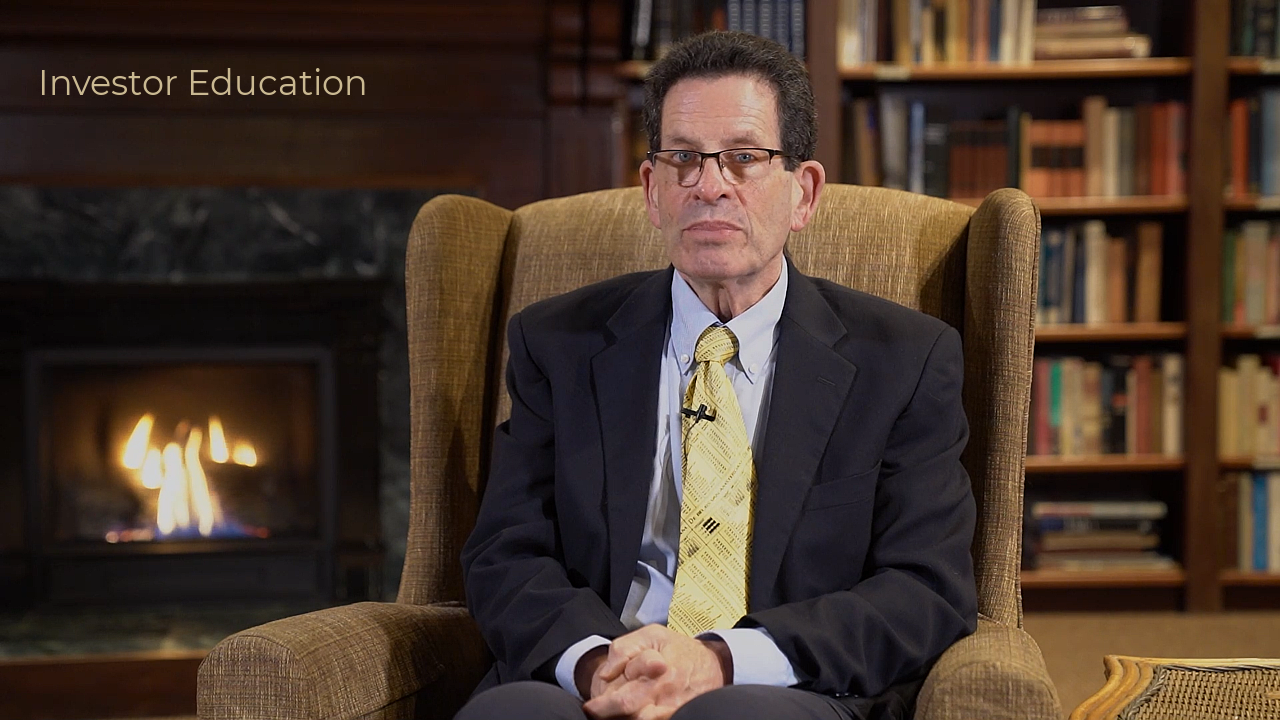
 Ken Fisher

 Christine Benz

 Ben Johnson
 David Moenning
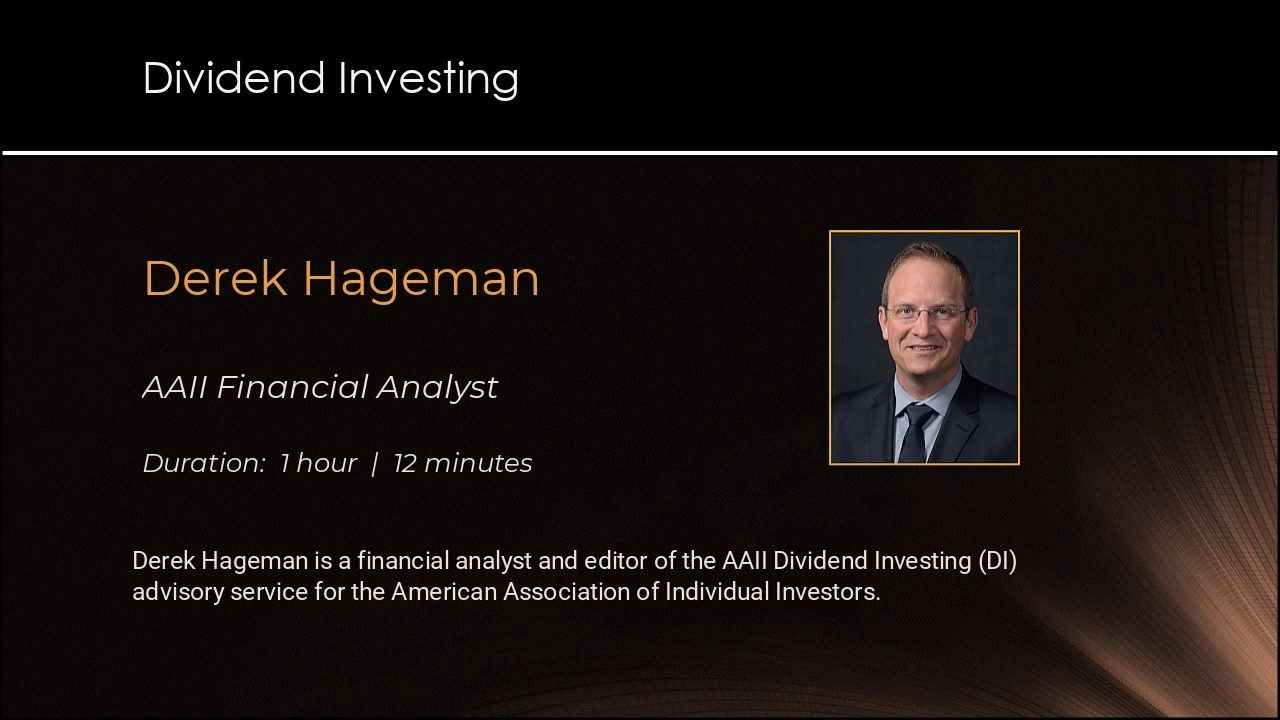
 Derek Hageman
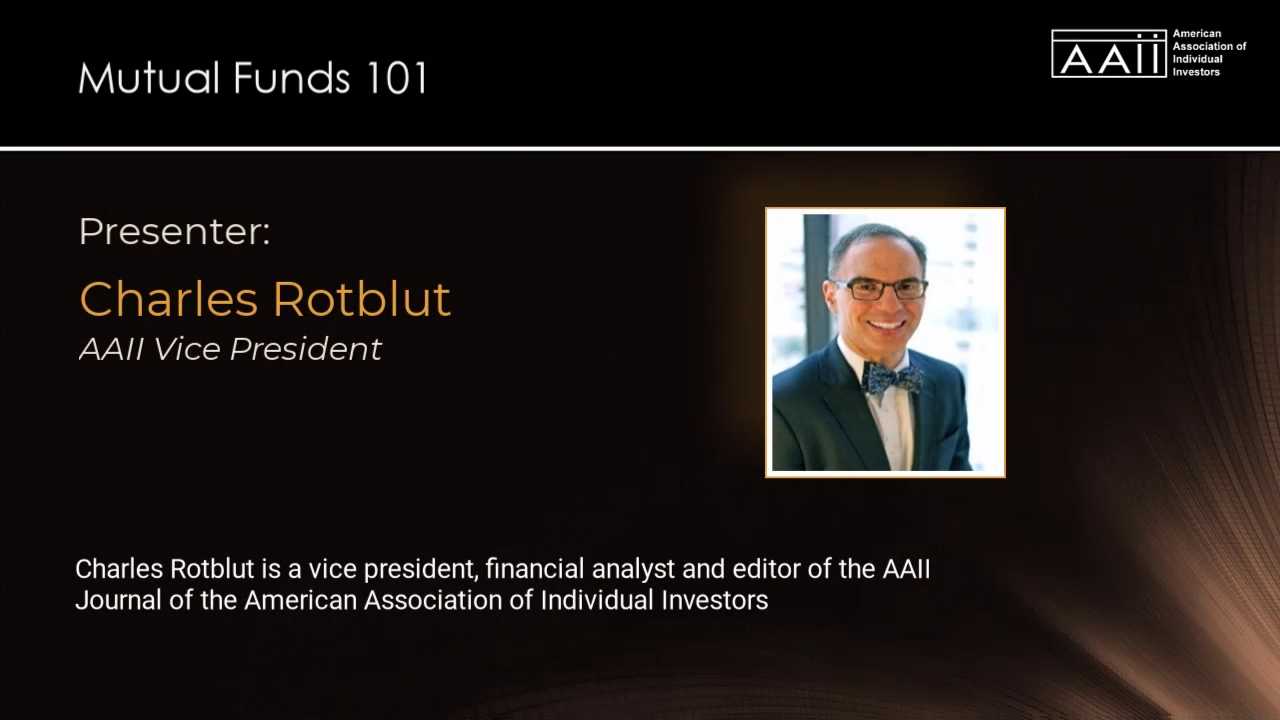
 Charles Rotblut

 Wayne Thorp

 Denise Chisholm